Webflow vs WordPress
A Detailed 2026 Platform Comparison Guide
The Ultimate SEO & Cost Showdown (2026 Edition)
A detailed Webflow vs WordPress comparison covering SEO, performance, security, scalability, design flexibility, and long-term maintenance for modern businesses.
 Webflow
%201.svg) WordPress
WordPress
The Engineering Showdown: A Modern Philosophy Shift
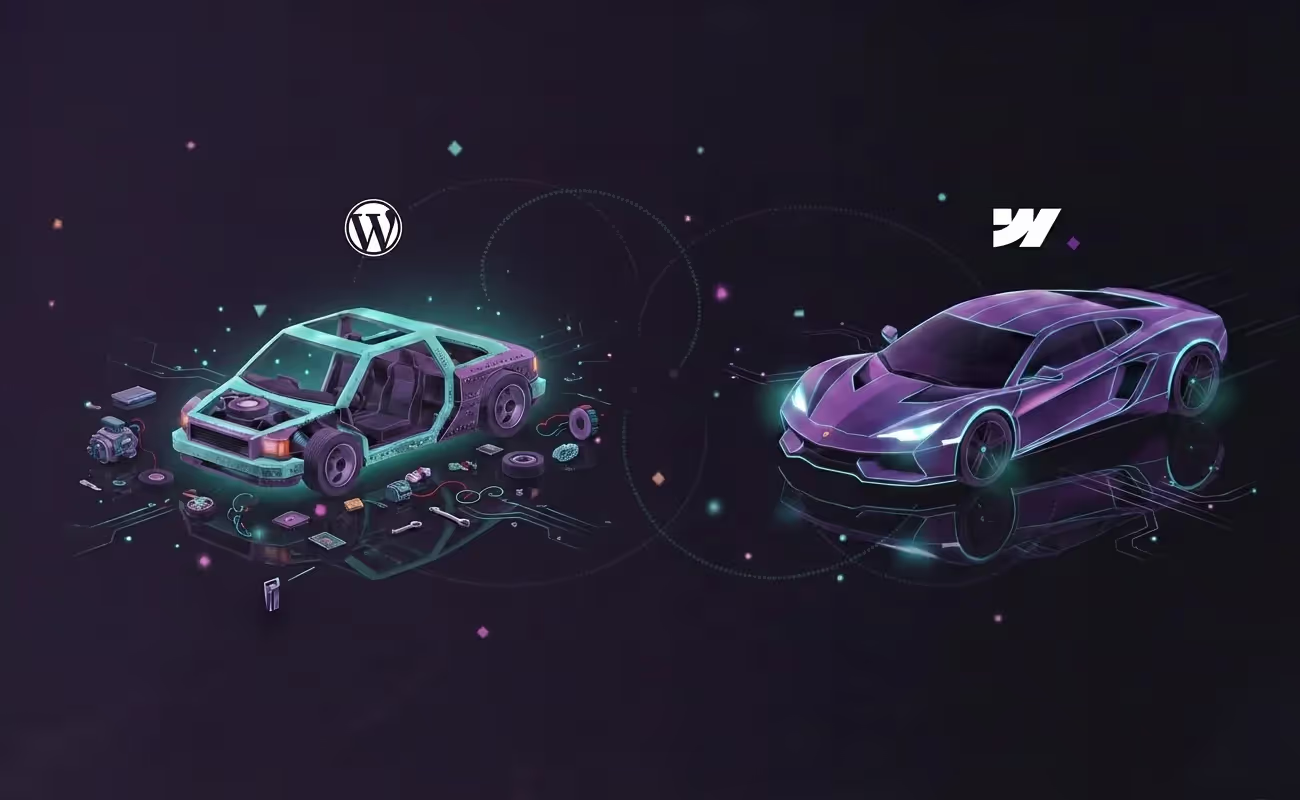
Choosing between Webflow and WordPress in 2026 isn't just about comparing features; it’s about choosing a technical philosophy. To understand the difference, consider the Supercar vs the Kit Car.
The WordPress "Kit Car": WordPress provides the chassis for free, but you must source the engine, brakes, and dashboard from various third-party vendors (plugins). Because these parts weren't engineered to work together, they require constant tuning, often "rattle" under high performance, and are prone to breaking during a routine update.
The Webflow "Supercar": Webflow is a precision-engineered machine where the engine, aerodynamics, and interior are designed in the same factory to work in perfect harmony. It is built for speed and reliability from day one because there are no "bolted-on" parts fighting for control of the core system.
Is the world's most popular CMS still the best choice?
Or has the modern standard finally taken the crown?
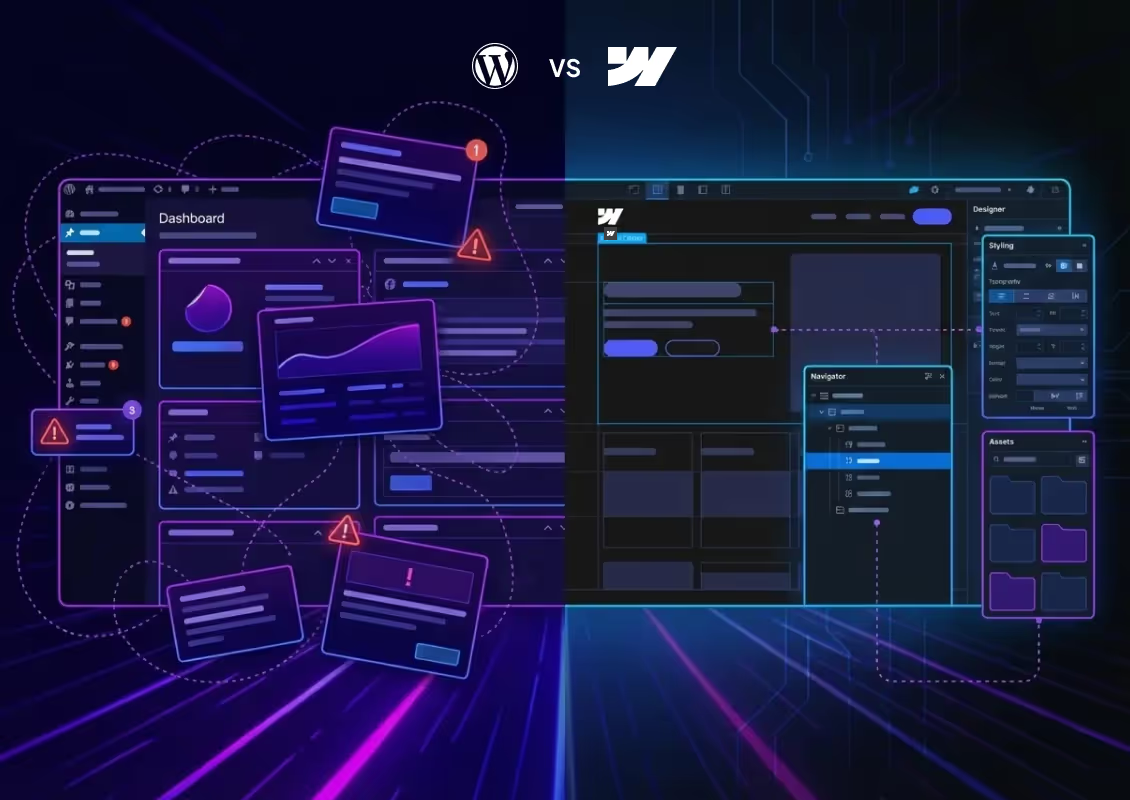
When planning a new website in 2026, the battle of Webflow vs WordPress is the first hurdle you face. WordPress is the legacy giant, powering over 43% of the internet with a plugin for everything. Webflow is the modern challenger: a visual development platform beloved by agencies for its speed, military-grade security, and "clean code" architecture. But here is the real question: Which platform actually ranks better on Google, costs less to maintain, and keeps your data safe?
This guide goes beyond surface-level features. We break down the WordPress Vs Webflow debate using complex data, hidden financial costs, and 2026 SEO performance standards.
Webflow vs WordPress SEO: The "Clean Code" Advantage
Many SEOs used to claim WordPress was superior simply because of the Yoast plugin. In 2026, this is a myth. Google’s algorithms (including the latest Core Updates) do not care about plugins; they care about code quality, rendering speed, and user experience. The Problem with WordPress SEO Code Bloat:
WordPress relies on themes and page builders (like Elementor or Divi). These inject massive amounts of unnecessary JavaScript and CSS "bloat" to function. This confuses search engine crawlers and hurts your Core Web Vitals scores.
The "Yoast" Reliance: You need a third-party plugin just to manage basic meta tags. If that plugin breaks or conflicts with your theme, your SEO tags disappear.
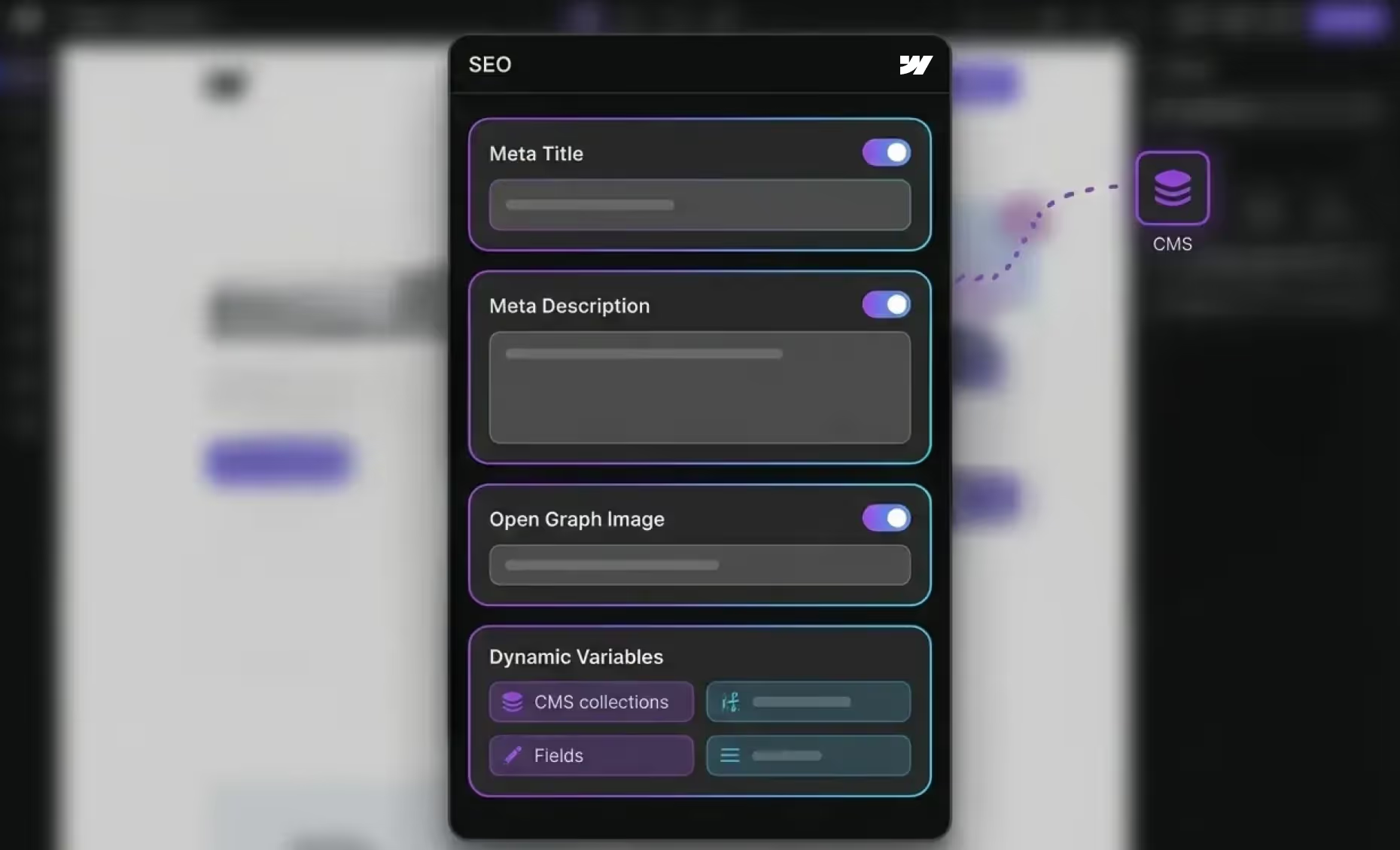
Webflow's SEO Semantic Code: Webflow generates pristine code. You have granular control over every HTML tag (H1, H2, alt tags), ensuring Google reads exactly what you want it to. Native Tools: Controls for meta titles, descriptions, Open Graph (social) tags, and auto-generated XML sitemaps are built into the core, with no 3rd-party software required.
The Verdict: Webflow. While WordPress offers useful tools, Webflow’s foundation is cleaner and faster, exactly what modern search algorithms prioritise and what real businesses need to suceed.

Webflow Migration Enquiry
You can expect a response in 2 business days or less.
Speed & Performance (Core Web Vitals)
Website speed is a direct ranking factor. In the 2026 SEO landscape, "good enough" speed doesn't cut it.
WordPress: Speed is a constant battle. To get a passing grade on PageSpeed Insights, you often need premium caching plugins (like WP Rocket), database optimisers, and expensive managed hosting (like WPEngine).
Webflow's speed is built in, thanks to hosting on a Tier 1 CDN (AWS) powered by Fastly, delivering content instantly from servers worldwide without extra setup.
Winner: Webflow, speed is the default, providing a reliable performance that you can trust to meet user expectations and support your project's success without constant troubleshooting.

The "Hack" Statistics You Need to Know
This is the most critical differentiator for business owners.
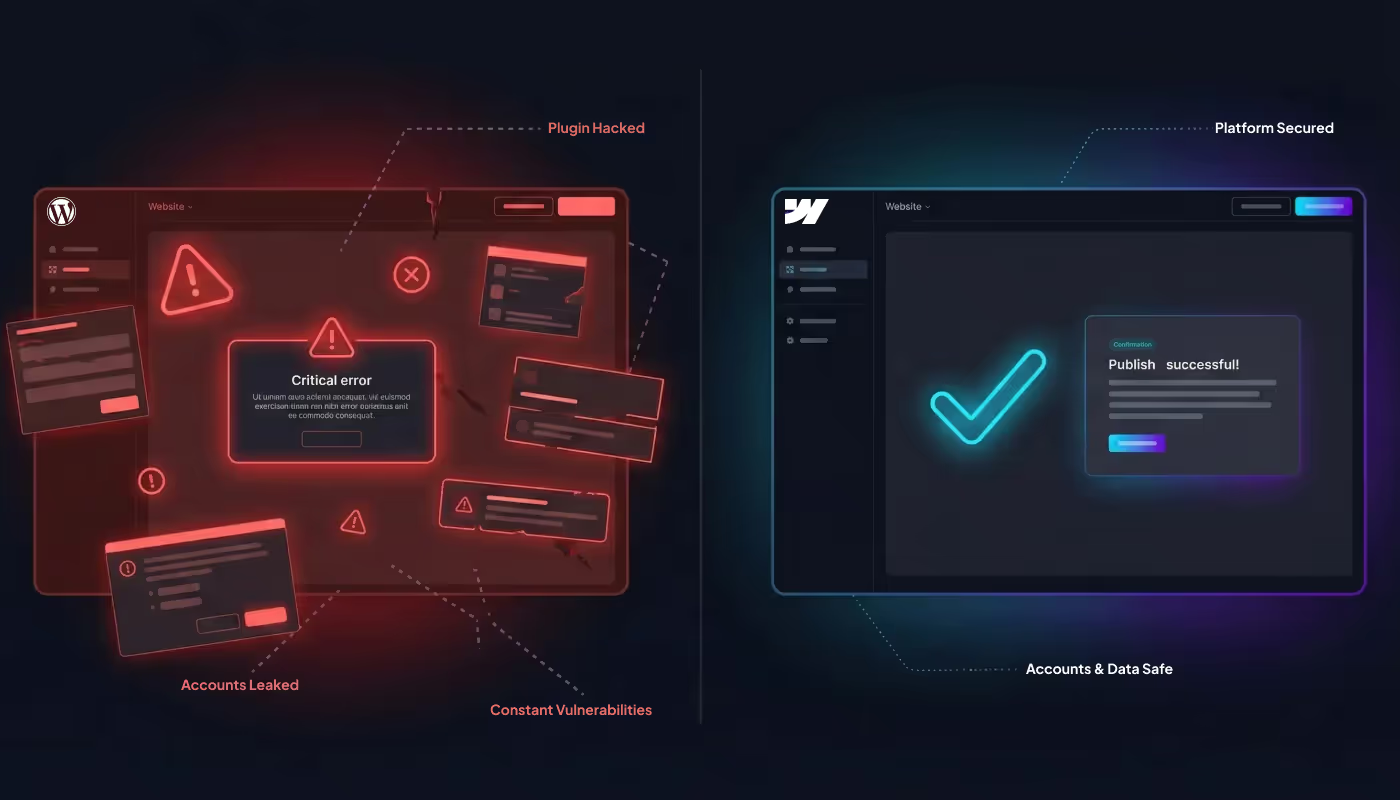
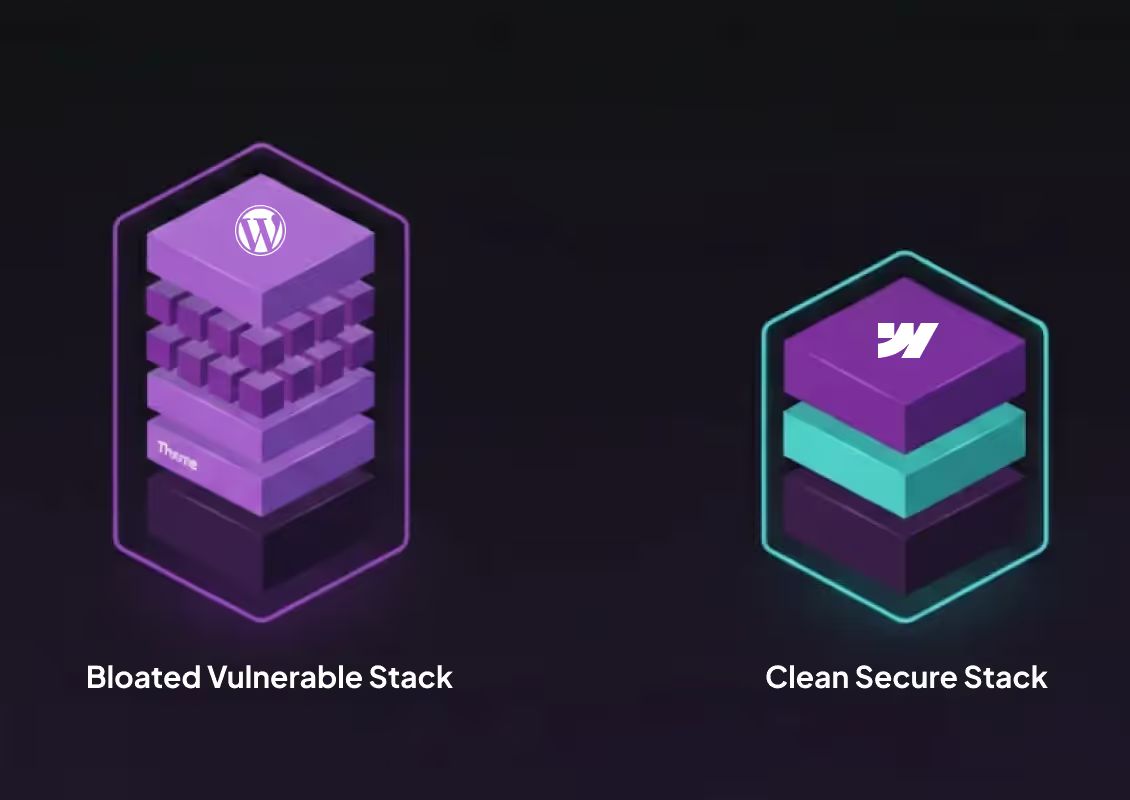
The WordPress Security Reality: Because WordPress is open source, it is the #1 target for hackers worldwide. The Vulnerability: 96% of WordPress security issues stem from plugins, not the core software, increasing the risk of exploits such as malware and SQL injection attacks. The Risk: In recent years, thousands of vulnerabilities have been reported across the WP ecosystem. If you miss a plugin update by just a few days, your site is exposed to SQL injections and malware.
The Webflow Security Reality: Webflow is a closed, SOC-2 compliant platform trusted by major enterprises. No Plugins to Hack: Functionality is native or strictly vetted. Enterprise Grade: Webflow handles SSL, security monitoring, and backups for you. You cannot "break" security by installing a bad theme.
Winner: Webflow. For peace of mind and data protection, there is no contest.




Performance: Why "Clean Code" Wins in 2026
Google’s 2026 ranking algorithms prioritise Interaction to Next Paint (INP) and Core Web Vitals. This is where the engineering gap becomes a ranking factor.
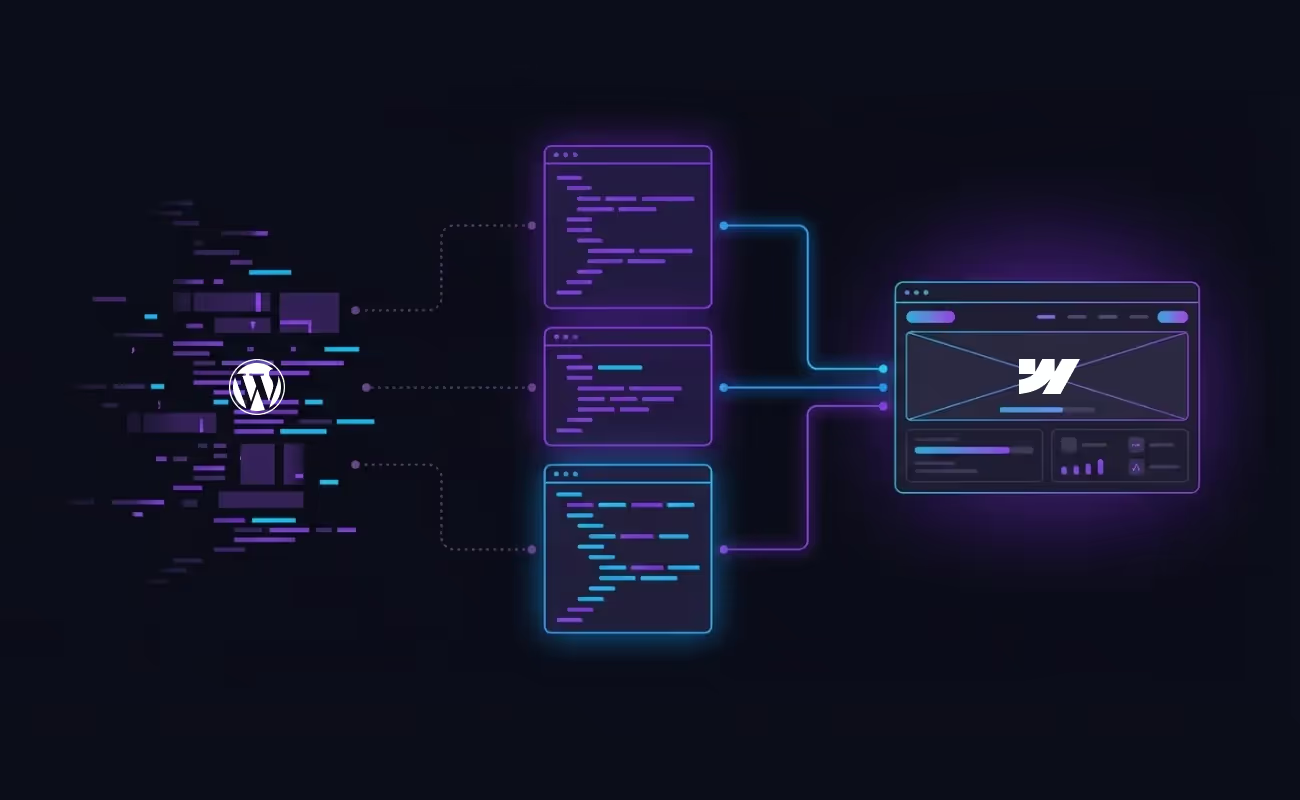
WordPress page builders (like Elementor or Divi) achieve visual results by "nesting" code. For every 1 line of visible content, these builders often generate 10+ lines of unnecessary "bloat" JavaScript and CSS. This forces search engine crawlers to work harder and slows down mobile load times.
Webflow produces clean, semantic HTML5 and CSS3 the same quality you would get from a high-end manual coder. By serving only the code that is actually needed, Webflow sites naturally achieve higher Lighthouse scores, giving you an immediate competitive edge in the SERPs (Search Engine Results Pages).

The Hidden "WordPress Tax" vs Webflow’s Predictable ROI
The Technical Debt of Open Source
In a WordPress environment, you effectively become the Chief Security Officer and Lead Engineer. Each core update introduces the risk of plugin conflicts that can take your site offline, often called the “White Screen of Death”. Preventing this typically requires:
- Security retainers for developers managing updates
- Premium plugin subscriptions for SEO, forms, backups, and performance
- Emergency fixes when updates break critical features such as checkout flows
The Managed SaaS Advantage
Your subscription covers more than a website builder, including hosting, security, and core updates managed continuously by experienced engineers. In Webflow, maintenance shifts from fixing issues to improving UX, performance, and business growth.
Performance: Why "Clean Code" Wins in 2026
Google’s 2026 ranking algorithms prioritise Interaction to Next Paint (INP) and Core Web Vitals. This is where the engineering gap becomes a ranking factor.
WordPress page builders (like Elementor or Divi) achieve visual results by "nesting" code. For every 1 line of visible content, these builders often generate 10+ lines of unnecessary "bloat" JavaScript and CSS. This forces search engine crawlers to work harder and slows down mobile load times.
Webflow produces clean, semantic HTML5 and CSS3 the same quality you would get from a high-end manual coder. By serving only the code that is actually needed, Webflow sites naturally achieve higher Lighthouse scores, giving you an immediate competitive edge in the SERPs (Search Engine Results Pages).
Thinking about moving from WordPress to Webflow?
If you are weighing up Webflow vs WordPress because performance, security, or long-term maintenance is becoming a challenge, a structured migration can remove that friction without disrupting your business.We handle Webflow migrations carefully, preserving SEO, content structure, and performance while improving speed, reliability, and manageability.

Recent Blog Posts
See below for some featured blog posts, focusing on Webflow!
Comparison FAQ's
Webflow Resources
See our resources on Webflow and what the platform can do to transform your online business.
View Resources